
Quick Answer
CubePilot makes the Cube. This is a small autopilot module. It plugs into a separate carrier board, instead of one flat board with everything soldered on. This design lets you swap a bad or old Cube fast. You do not need to rewire the whole aircraft. CubePilot also builds matching GPS units and power supplies. Its autopilots are common in mapping, farming, and other paid drone work.
The Core Idea: A Module, Not a Fixed Board
Most flight controllers are one board. The chip, sensors, and plugs all sit on one piece. If a plug breaks or a sensor fails, you often must swap the whole board. Then you rewire everything hooked to it.
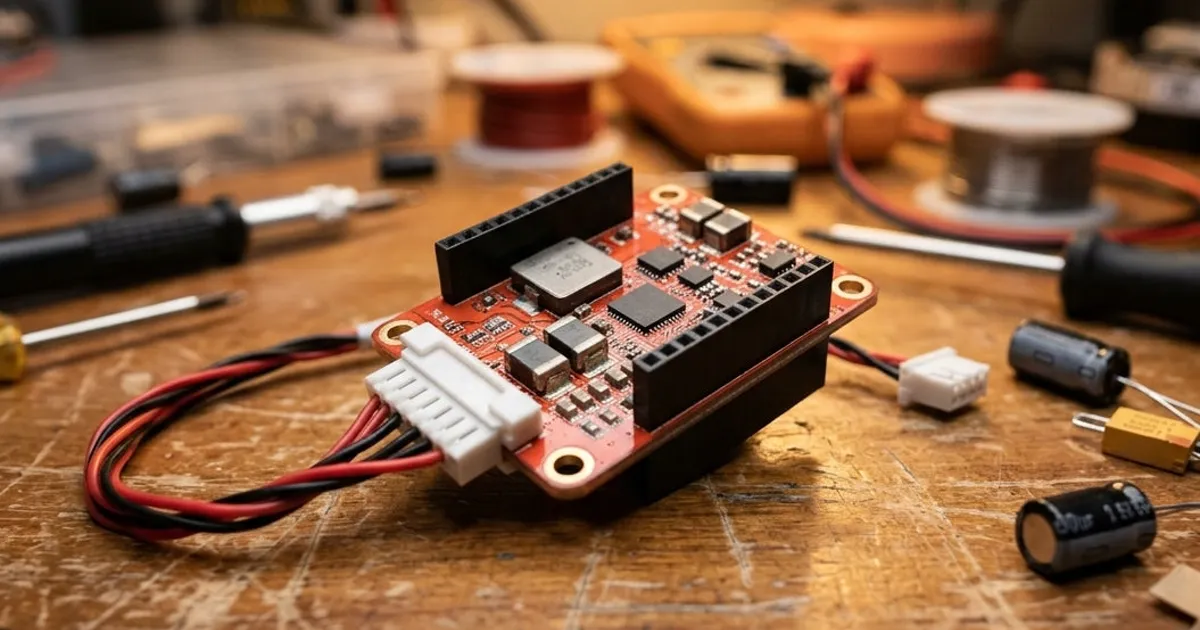
The Cube works a different way. The chip and sensors sit inside a small module, shaped like a cube. This module plugs into a separate carrier board. The carrier board holds all the plugs: TELEM ports, GPS ports, power ports, and CAN ports. If the Cube fails, or you want a newer model, you pull it out and plug in a new one. Your wiring stays put on the carrier board.
This matters most for paid and research work. A flight controller failure there can mean costly downtime. Being able to swap the core part in minutes is a real, practical win.
Redundancy Built Into the Module
Like other Pixhawk-standard hardware, the Cube leans on backups. Inside the module, several IMUs run at once. An IMU is a sensor set that tracks turning and speed changes. Some sit on their own damping mounts inside the case. This helps keep readings clean, even on aircraft with rough vibration from motors or engines.
If one sensor gives a bad reading, the firmware can lean on the healthy ones instead. This is the same idea found across the wider Pixhawk world. You can read more in what is Pixhawk and why do builders use it.
The Cube Model Range
CubePilot has made several Cube models over time. They mainly differ in chip speed, memory, and support for onboard computers. A top model in the range handles harder tasks. This might mean running more complex flight logic, or feeding a connected onboard computer for things like avoiding obstacles.
A newer, faster Cube makes sense for bigger, more complex aircraft. A simpler Cube is often enough for a small mapping drone or a general build. For a direct look at two specific models, see Cube Orange+ vs Cube Red.
The Wider Ecosystem
CubePilot builds more than just the autopilot module. Its lineup includes:
- Here GPS modules, which plug in over DroneCAN and have a compass built in, covered in Here3+ vs Here4
- Power modules, like the Power Brick Mini and Power Selection Module, which feed and read power for the flight controller, covered in CubePilot power brick and PSM guide
- Carrier boards, in different sizes and port counts, matched to different build needs
These parts are built to work as a set. Building a Cube-based aircraft often raises fewer fit questions than mixing parts from many brands.
Who Uses CubePilot Hardware
Cube autopilots show up most in:
- Mapping and survey drones that need steady, auto GPS flight
- Farm spraying and crop-check platforms
- Research aircraft at schools and labs, where a fast module swap matters
- VTOL and fixed-wing craft that mix hover and forward flight
- Paid multirotor work where downtime has a real cost
Small hobby quads and freestyle builds rarely use Cube hardware. The modular design and extra backups add cost and weight a casual build does not need.
Setting Up a Cube-Based Aircraft
Setup follows the same path as any Pixhawk-standard board running ArduPilot. Install firmware. Set frame type. Calibrate the accelerometer, compass, and radio. Then set up flight modes and failsafes. The full steps are in ArduPilot setup: first configuration step by step.
The main change is the first wiring pass. You wire to a carrier board, not one fixed board. The layout can shift a bit between carrier board models and sizes.
Is CubePilot Right for Your Project?
Building a hobby freestyle quad? A Cube autopilot is likely more cost and weight than you need. Building a mapping drone, a farm platform, or a research aircraft? Do you need parts you can swap fast in the field, with strong sensor backups? Then CubePilot's design is worth a close look.
A useful test is to picture a Cube module failing on the day of a paid job. If a fast field swap and a saved parameter file would get you flying again in minutes, the modular design has already paid for itself. If a full board replacement and a rewire would not really hurt your schedule, a simpler single-board flight controller may serve you just as well for less money.