
Quick Answer
A full long-range data link plans three signals together: control, telemetry, and video. Each needs its own frequency band, so they do not interfere, plus antennas placed for a clear line of sight and a ground station that can display and log everything the drone sends back.
Plan All Three Links Together
Many builders design a control link, then a video link, then a telemetry link, one at a time. That approach often causes interference, because two radios on close frequencies can jam each other at close range.
Instead, plan all three at once. Pick your control link band, your video link band, and your telemetry band before you buy anything. Leave real separation between them, and check what frequencies are already crowded at your usual flying spot.
Separate Your Frequencies
A common long-range setup looks like this:
| Link | Typical Band |
|---|---|
| Control (RC) | 900 MHz or 2.4 GHz |
| Video | 1.2 GHz, 2.4 GHz or 5.8 GHz |
| Telemetry | 433 MHz, 868 MHz or 915 MHz |
Notice how each link sits in a different part of the spectrum. That spacing is what keeps a strong video signal from drowning out a weaker control signal sitting nearby. If two links must share a similar band, add as much physical distance between their antennas as you can.
Confirm every band and power level against your local regulations before you fly. Rules differ by country, and some bands need a license or have a strict power cap.
Choose Your Radios
For control, most long-range pilots use ExpressLRS, known as ELRS, running on 900 MHz for its range. Read our guide to what ELRS is if you are new to the system.
For telemetry, a dedicated radio such as an RFD900-class unit gives reliable data over long distances. See our telemetry radios guide for how these radios work.
For a combined video and data link, an IP-based radio like Microhard can carry both telemetry and a video stream on one connection. Our Microhard radio guide covers when that approach makes sense.
Antenna Placement Matters as Much as the Radio
A great radio with poorly placed antennas will underperform a modest radio with good antenna placement. Keep every antenna clear of carbon fiber, which blocks radio signals, and mount antennas so their signal pattern faces the direction you plan to fly.
On the ground, mount your antennas as high as you reasonably can. Height above ground clears more obstacles and extends line of sight. For more on antenna types and placement, see our long-range antenna guide.
Build a Ground Station That Shows Everything
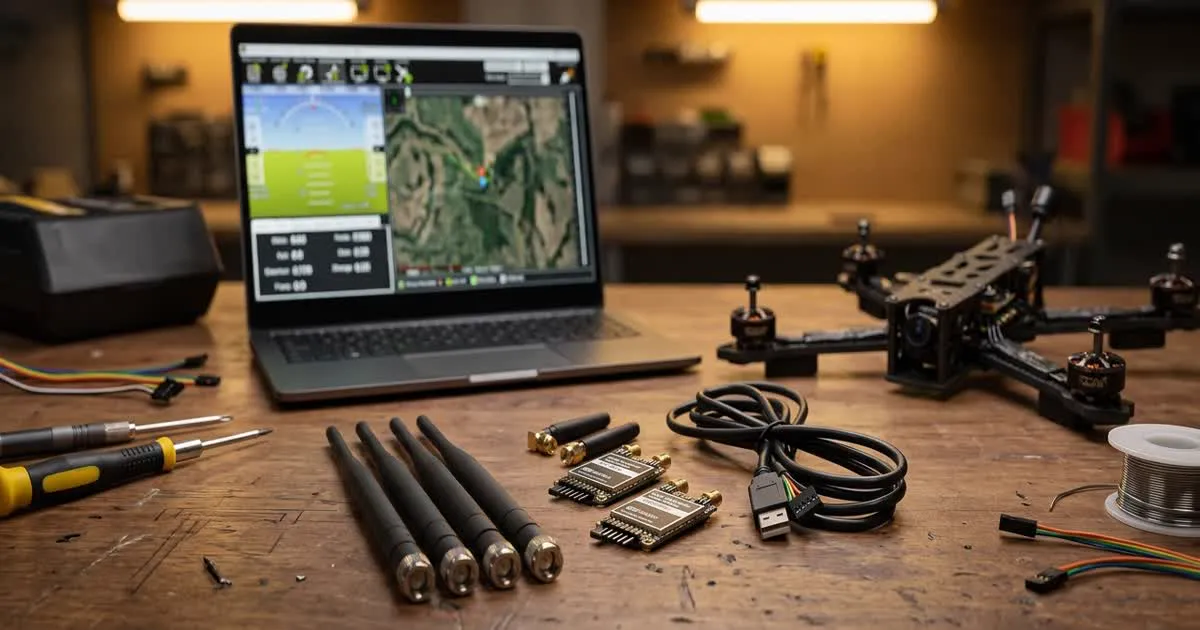
A ground station is more than a receiver. For an ArduPilot or PX4 drone, software like Mission Planner or QGroundControl displays live telemetry, shows the drone's position on a map, and lets you send commands.
Connect your telemetry radio's ground unit to a laptop or tablet running this software. Add a video receiver and screen or goggles next to it so you can watch the picture and the flight data at the same time. Keep the ground station simple enough that you can operate it alone if needed, since you may not always have a second person to help.
Test Range Safely Before You Trust It
Never assume a link's range without testing it. Start with short flights, moving away gradually while watching signal quality on each link. Note where control link quality, video quality, or telemetry drop first, since that link is your weakest point.
Bring the drone back well before any link shows signs of trouble. Repeat testing at your usual flying spot, since terrain and obstacles change results from one place to another.
A data link is only as strong as its weakest part. Test each link on its own, not just the combined system, so you know which one to improve first.
Keep the System Maintainable
Label your cables and connectors, especially if you run more than one radio. A long-range setup often has several antennas and cables that look similar, and a mixed-up connection is a common source of confusing failures.
Keep firmware and radio settings backed up, so you can restore a working configuration quickly if something changes after a firmware update or a dropped setting.
Checklist Before Your First Long Flight
Before you take a full long-range data link out for a real flight, run through a short checklist on the ground. This catches most mistakes before they cost you a drone.
- Confirm every antenna is tight, undamaged, and mounted clear of carbon fiber.
- Check that control, video, and telemetry links all connect and hold a signal at a short test distance.
- Set a GPS rescue altitude high enough to clear obstacles along your planned route.
- Note your ground station's exact settings, such as COM ports and baud rates, in case you need to reconnect quickly during a flight.
- Walk or drive a short test distance first, watching all three links, before committing to a longer flight.
This same checklist works whether you built your first long-range drone from a guide like our long-range FPV drone build guide, or you are upgrading data links on a drone you already fly regularly.