
Quick Answer
The DJI O4 Air Unit is a digital video system that goes on your drone and pairs with DJI Goggles. The O4 Pro adds a longer antenna and more transmit power for extra range. Setup means wiring it to your flight controller, activating it with the DJI app on first use, then setting your recording resolution and bitrate. Good cooling keeps the unit reliable on hot days or long flights.
O4 vs O4 Pro
The standard O4 Air Unit is smaller and lighter, which suits most freestyle and racing builds. The O4 Pro uses a larger antenna array and higher transmit power, which gives it a longer range and can push through more interference. The Pro version is a better fit for long-range flying or filming work where you fly far from the goggles.
Both versions use the same digital video protocol, so recording settings and menu options are almost identical. The main differences are size, weight, range and price. If you mostly fly close to home, the standard unit is usually enough.
Which Goggles Work With It
The O4 Air Unit only works with DJI's own digital goggles, since it uses DJI's proprietary video system. It is not compatible with Walksnail, HDZero or analog goggles. If you already own a different digital system, moving to the O4 means buying new goggles as well as the air unit. Our guide on choosing FPV goggles explains how digital systems lock you into one brand, which is worth understanding before you buy any air unit.
Wiring to the Flight Controller
The O4 Air Unit connects to your flight controller through a UART serial port, which carries both the OSD data and control signals between the two. You will also connect power, ground, and usually a camera input if you are running a separate FPV camera rather than the unit's built-in one.
Before wiring, check your flight controller's manual for which UART is free and supports the correct protocol setting, often listed as "DJI" or a similar name in the firmware configurator. Getting this step right the first time saves a lot of troubleshooting later. Double-check polarity on the power wires, since a reversed connection can damage the air unit.
First Activation
The O4 Air Unit needs to be activated the first time you use it, and this step requires an internet connection through the DJI app on your phone. Bind the goggles to the air unit, then follow the prompts in the app to complete activation. This is a one-time step for each new unit, though a firmware update may occasionally ask you to reconnect to the app.
Keep your goggles and air unit on the latest firmware, since DJI regularly improves stability and adds features through updates. Update both parts together, since mismatched firmware versions can cause connection or recording problems.
Recording and Bitrate Settings
The O4 records video onboard the air unit, separate from what you see live in the goggles. Higher resolution and bitrate settings give sharper footage but use more storage space and put more load on the unit, which raises its temperature.
For most freestyle and general flying, a mid-range bitrate setting balances quality and file size well. For filming and client work, use the highest resolution and bitrate your microSD card and air unit support, since footage quality matters more than storage space in that case. Always use a fast, reliable microSD card, since a slow card can cause dropped frames or recording errors.
| Use case | Recording setting | Reason |
|---|---|---|
| General freestyle flying | Mid-range bitrate | Good quality with smaller files |
| Racing | Lower resolution, if available | Reduces load and heat during fast flights |
| Filming and client work | Highest resolution and bitrate | Best possible footage quality |
Cooling and Reliability
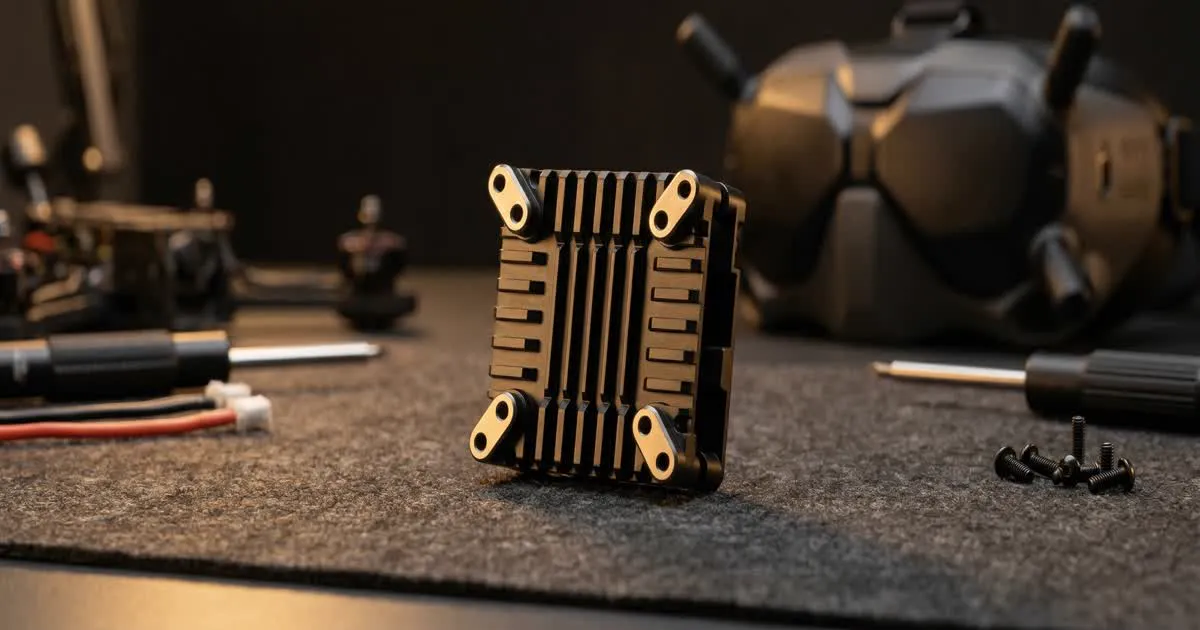
Digital air units generate more heat than a simple analog VTX, since they are constantly compressing and sending video. On hot days, in direct sun, or during long recording sessions, that heat can build up and affect performance.
Mount the air unit where air can flow around it, and avoid wrapping it tightly in foam or heat shrink that traps heat. Some frames and canopies are designed with vents near the air unit for this reason. If you notice video breakup or unusual heat after a flight, check our guide on fixing FPV video problems for a step-by-step way to find the cause.
Transmit power also affects heat and range. Our guide on VTX power explains how power output relates to range, heat and battery use, and the same ideas apply to digital air units.
Common First-Time Mistakes
- Skipping the activation step, then wondering why the video will not link.
- Using an old or slow microSD card, which causes recording errors.
- Wiring the UART to the wrong port or protocol setting in the flight controller firmware.
- Mounting the air unit somewhere with poor airflow, leading to overheating on long flights.
- Forgetting to update both the goggles and air unit firmware together.